
Vol. 6 No. 35 | Sept. 2, 2026


Courts
Supreme Court of Oklahoma
No published opinions this week.
Court of Criminal Appeals
No published opinions this week.
Court of Civil Appeals
No published opinions this week.
Dispositions Other than by Published Opinions
The Supreme Court of Oklahoma Court Calendar
The Supreme Court of Oklahoma is in session year round, unless otherwise noted. The court regularly schedules conferences on Mondays and other days as needed.
Member Transitions




More
Bar Center Holiday Hours

The Oklahoma Bar Association will be closed Friday, Sept. 4, at 2 p.m. in recognition of the Labor Day holiday. Regular business hours will resume at 8:30 a.m. on Tuesday, Sept. 8.
From the President | Annual Meeting Matters

"As lawyers, we spend much of our professional lives focused on the immediate: the client waiting for an answer, the brief due tomorrow, the hearing on next week’s docket. Those demands are important, but they can make it easy to lose sight of the larger profession of which we are a part.
That is why our Annual Meeting matters!
This November, the OBA will gather for its 122nd Annual Meeting at the Skirvin Hotel in Oklahoma City. As we celebrate America’s 250th anniversary, our theme, “Generations of Justice: 250 Years Strong,” invites us to reflect about our profession has been and where we are headed. And we would love for you to join us!"
Annual Meeting Registration Is Now Open!
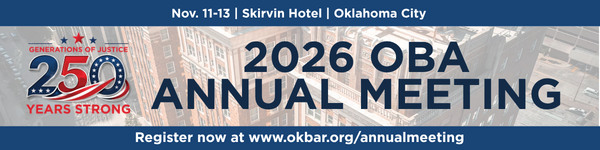
Make plans to join us this Nov. 11-13 at the Skirvin Hotel in downtown Oklahoma City. This year, we are bringing back a wide variety of CLE offerings alongside our traditional business meetings, OBA Awards presentations, section and committee meetings, fun networking events and more. Registration is now open!
September Bar Journal Now Online
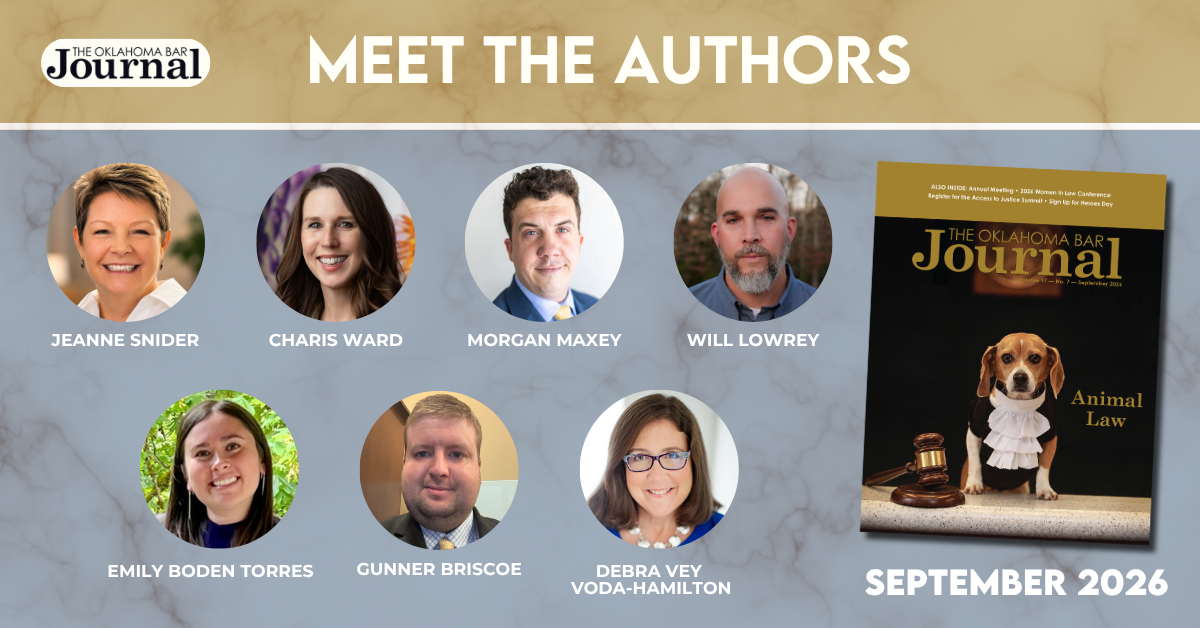
The September issue of the Oklahoma Bar Journal is available online now. This issue focuses on Animal Law, featuring articles on legal issues surrounding animal abuse, regulation of dangerous dogs, laws that protect migratory birds and more. You'll also learn more about the upcoming Annual Meeting, 2027 YLD leadership elections and recent Oklahoma Bar Foundation court grants.
FEATURES
Cost of Care for Animal Abuse Cases
By Jeanne Snider
Defending Criminal Dog-Bite Cases in Oklahoma: Dangerous-Dog Charges, Owner Liability and Preserving the Dog’s Life
By Morgan Maxey
Why Oklahoma Should Care About USDA’s Pork Line-Speed Proposal: The Hidden Stakes of High-Speed Slaughter
By Will Lowrey and Emily Boden Torres
The Regulation of Dangerous Dogs
By Gunner Briscoe
Resolving Animal-Related Disputes in Oklahoma: When Mediation Serves Clients Better Than Litigation
By Debra Vey Voda-Hamilton
What is Animal Law?
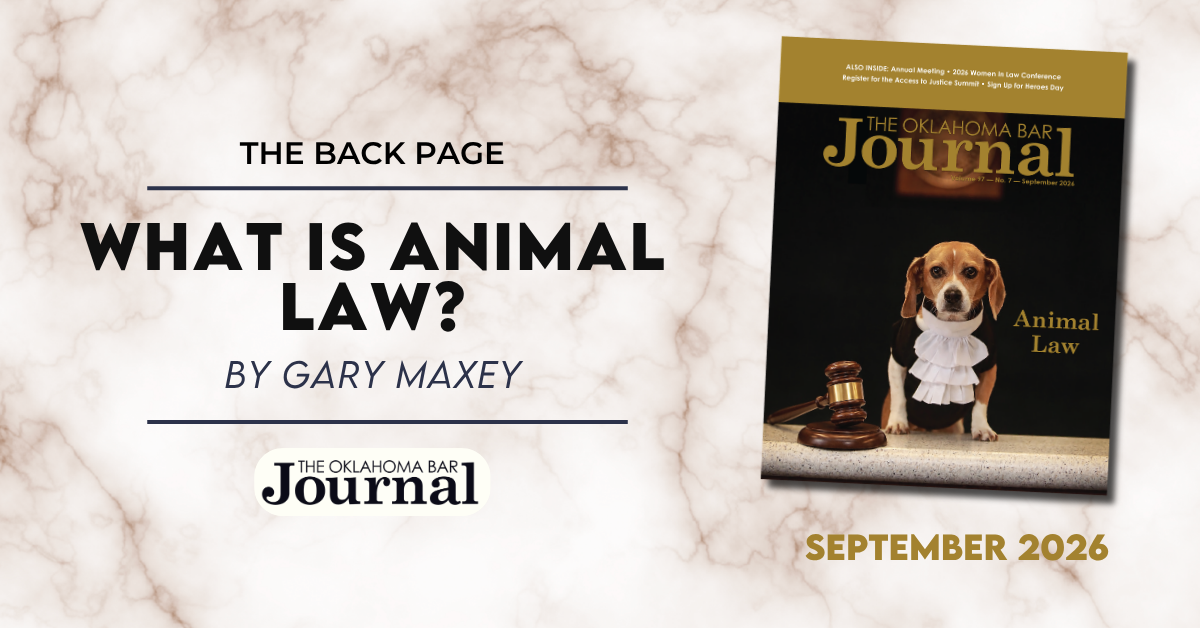
"Animal law is not a single statute, a narrow specialty or simply another name for animal rights. It is the body of law governing relationships among people, institutions and animals. Like environmental law before it, animal law draws upon established legal doctrines and applies them to problems involving animals and the people responsible for them.
Although American anti-cruelty statutes date to the 19th century, animal law emerged as a distinct field during the 1970s. In 1977, Seton Hall Law School offered the first animal law course. Two years later, attorneys formed Attorneys for Animal Rights, now the Animal Legal Defense Fund. The field developed through litigation, scholarship, bar committees and legal education. In 1992, Lewis & Clark Law School began teaching animal law, later establishing the first animal law journal and its Center for Animal Law Studies.
The growth has been remarkable. In 2,000, only nine law schools offered animal law classes. The Animal Legal Defense Fund now reports that 167 law schools in the U.S. and Canada have offered an animal law course."
MyOKBar Self Service Options Temporarily Limited

Upgrades are coming soon to MyOKBar! Members can expect a refreshed, modern design that will be more streamlined and user friendly. As we prepare for the rollout of the new and improved site, MyOKBar will be read-only Aug. 25 - Sept. 8. The member directory and SSO features will be available, but members will be unable to make changes to their information on file.

Featured CLE




Use "Version History" To Undo an AutoSave Mistake
By OBA Management Assistance Program Director Julie Bays

My friend Rachel Edwards, a practice management attorney with the Oregon State Bar Professional Liability Fund, recently shared five useful Microsoft Word tips for legal professionals. Her first tip explains how to use Restrict Editing when you want to control what a client, colleague or someone else can change in a document.
But sometimes the person you need to protect the document from is yourself.
I have learned this the hard way more than once. AutoSave continually saves changes to Word documents stored in OneDrive or SharePoint. That is usually helpful; until you open an existing document, start editing and realize you meant to create a new version instead of changing the original.
Fortunately, Version History may let you recover the earlier document.
USING VERSION HISTORY IN DESKTOP WORD
- Open the document in Word.
- Select File > Info.
- Select Version History. A pane will open showing earlier versions of the document, including the dates and times they were saved.
- Select an earlier version to open it in a separate window.
- Review the document carefully to confirm that it is the version you want.
- Select Restore to make that version the current version.
In newer versions of Microsoft 365, you may also be able to select the document’s file name at the top of the Word window and choose Version History. Do not be surprised if your screen looks slightly different.
In Word for the Web, select File > Version History, choose the version you want to review and then select Restore. Version History is available for documents stored in OneDrive or SharePoint; it does not work the same way for documents saved only on a computer or traditional file server. Microsoft provides additional instructions for viewing previous versions of Office files.
Version History is not a substitute for sensible filenames and good document-management procedures. It is, however, an extremely useful safety net. For lawyers, Version History is more than a convenient safety net. Recovering an earlier version may mean restoring important language, client instructions or carefully negotiated provisions that AutoSave faithfully but unintentionally saved over.
The Oklahoma Bar Journal is a publication of the Oklahoma Bar Association. All rights reserved. Copyright© 2026 Oklahoma Bar Association. Statements or opinions expressed herein are those of the authors and do not necessarily reflect those of the Oklahoma Bar Association, its officers, Board of Governors, Board of Editors or staff. Although advertising copy is reviewed, no endorsement of any product or service offered by any advertisement is intended or implied by publication. Advertisers are solely responsible for the content of their ads, and the OBA reserves the right to edit or reject any advertising copy for any reason. Legal articles carried in the Oklahoma Bar Journal are selected by the Board of Editors. Information about submissions can be found at www.okbar.org.